
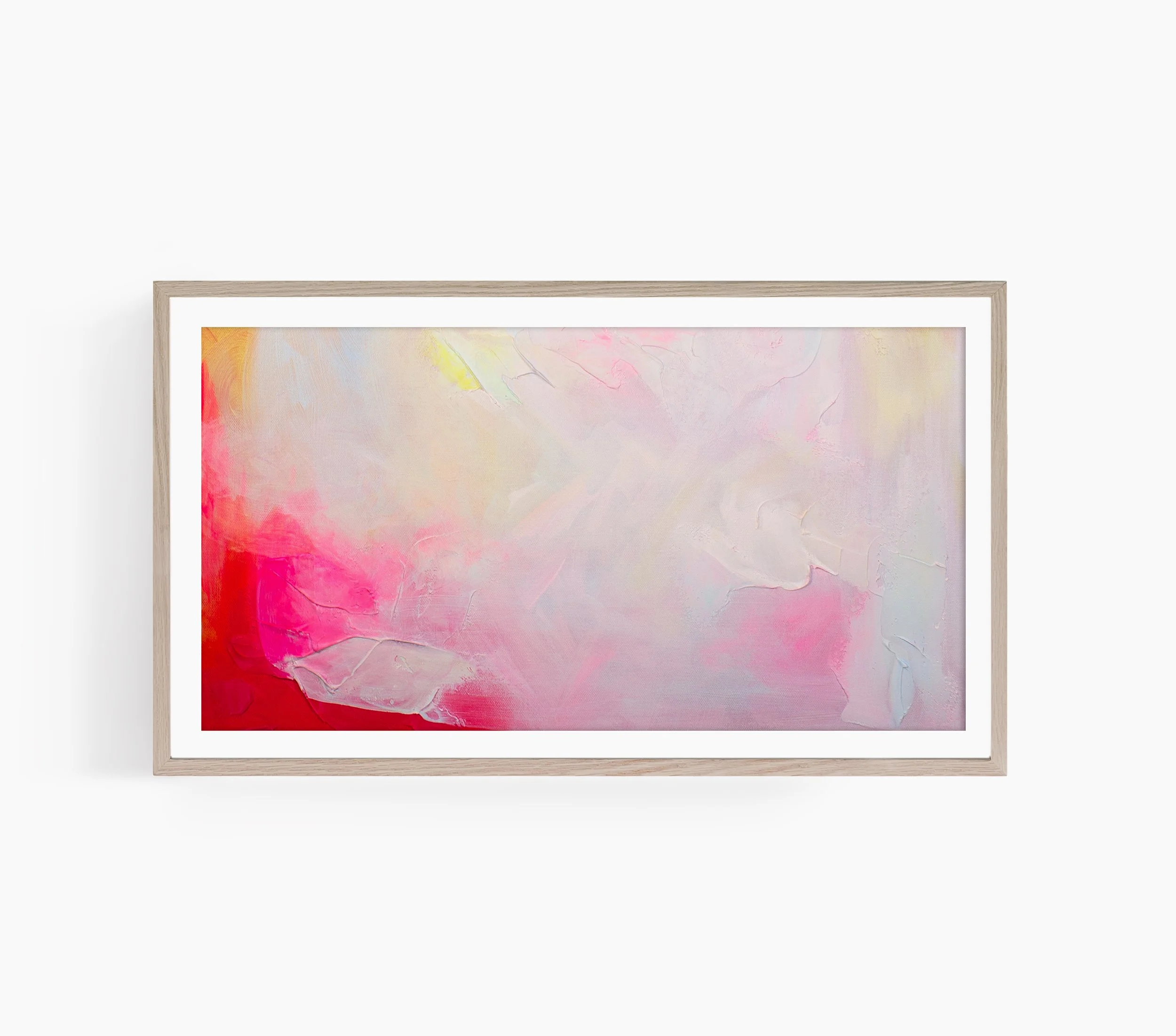
 Image 1 of 2
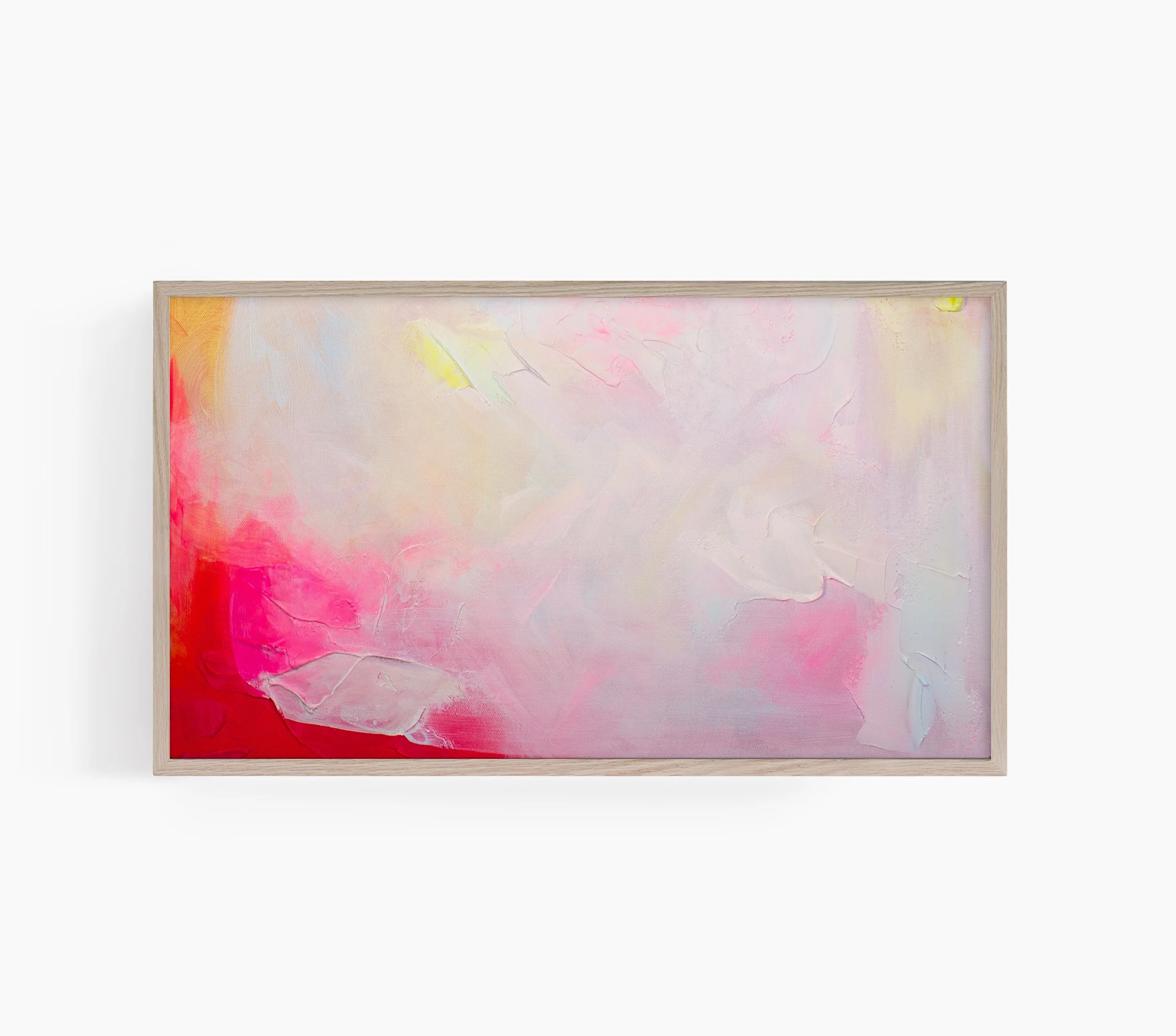 Image 2 of 2
After purchasing, the file is available for download in the Order Confirmation page. You will also receive two emails: a standard order confirmation email, then an email containing the link to the file (which is an alternative way to download the file).
Directions for uploading to your Frame TV:
- Create a folder on your phone called Frame TV
- Download the photos to the camera roll on your phone and put in the created folder
- Make sure your TV is on and connected to the same WiFi network as your phone
- Open the Samsung SmartThings App and select your tv. Select 'art mode' and add your photos.
- Select 'no mat' or add a mat and set. You can adjust the color and brightness to achieve the most picture like look in your setting.